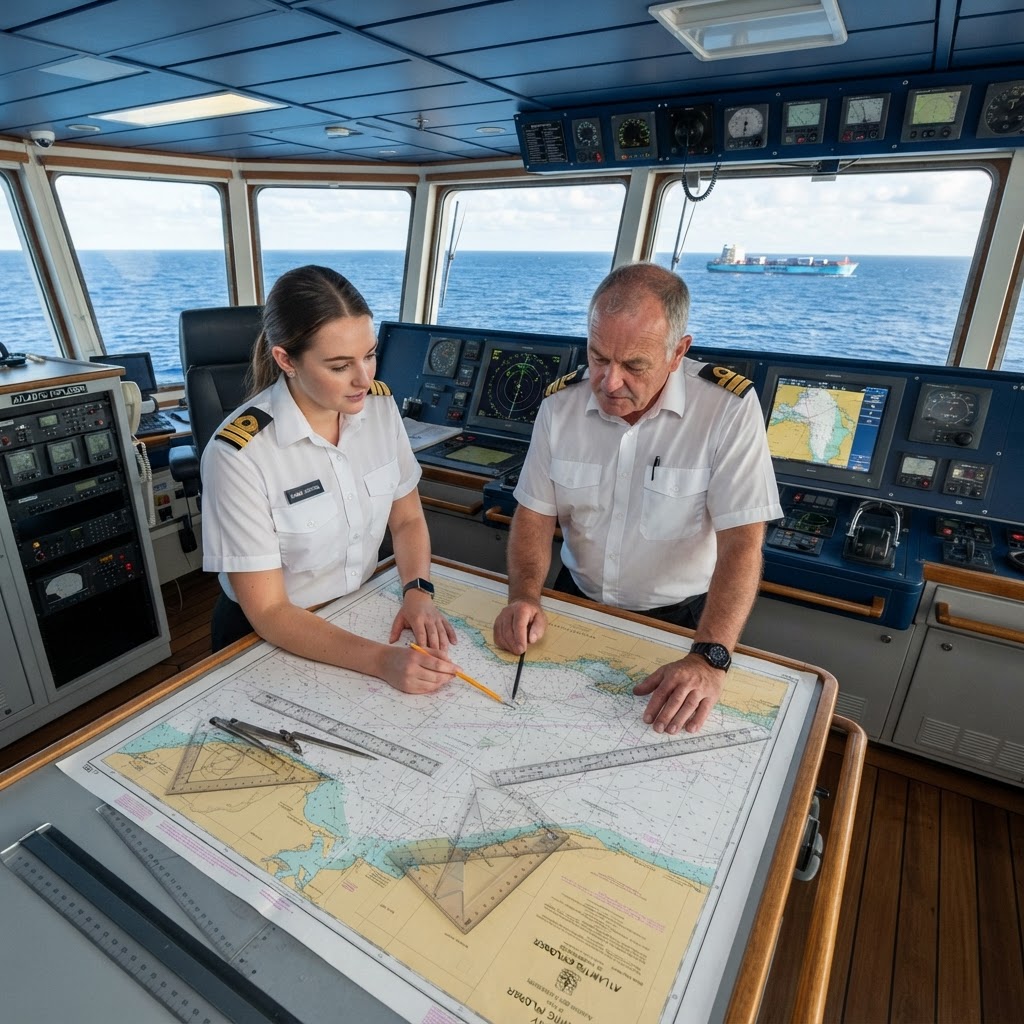
Which ECDIS Display Mode is Recommended for Coastal Passage Planning? MCA Oral Exam Guide
Direct Answer: The Recommended Display Mode
For coastal passage planning during your OOW oral exam or Chief Mate assessment, the recommended ECDIS display mode is North-up orientation, with the chart fixed so that north remains at the top of the display screen. While modern ECDIS systems offer various modes such as Course-up or Head-up, the MCA and IMO requirements emphasize North-up as the standard for planning because it ensures the vessel's heading and course alignment remain consistent with traditional paper charts and established navigational references.
Why This Question Matters for Your Oral Exam
The examiners for your MCA oral exam are not just looking for a memorized answer; they are testing your fundamental understanding of situational awareness and the potential for human error. In the context of an Unlimited license or a 3000GT certification, the examiner needs to ensure you understand that during the planning phase—unlike the dynamic execution phase—fixed orientation is paramount for verifying data.
The Examiner's Perspective
When you sit for your exam, the examiner might probe why you would choose North-up over Head-up. The danger of using Head-up or Course-up during the planning stage is the loss of orientation relative to global coordinates. If your chart rotates continuously as the vessel turns, you lose the ability to easily reconcile the electronic picture with static data like notices to mariners, lights, or geographical features noted on paper charts or in the Admiralty Sailing Directions.
Understanding ECDIS Orientation Modes
To demonstrate a high level of competency, you must differentiate between the three primary display modes available on an ECDIS:
- North-up (NU): North is always at the top of the display. This is the industry standard for planning.
- Head-up (HU): The ship's heading is always at the top of the display. This is typically used for close-quarters situational awareness.
- Course-up (CU): The intended course over ground is at the top of the display. This is useful for monitoring a straight track but can become confusing in complex areas with multiple course alterations.
Why North-up Wins for Planning
- Standardization: All official nautical publications use North-up. Alignment between your screen and your documentation is critical for reducing cognitive load.
- Bearing Accuracy: Calculating bearings to landmarks or navigational aids is more intuitive when the grid of the chart is locked to the cardinal points.
- Safety of Navigation: It eliminates the disorientation that occurs when the screen "twitches" or rotates during minor course adjustments in narrow channels.
Common Pitfalls for the OOW Candidate
Many candidates make the mistake of suggesting that "whatever is most comfortable" is the correct choice. In the eyes of an MCA examiner, this is a red flag. As an Officer of the Watch, you are expected to follow best practice guidelines set forth by the IMO and the Bridge Procedures Guide.
- The Trap of "Modern Convenience": Do not over-rely on Head-up mode. While it is excellent for collision avoidance in heavy traffic, using it for passage planning is considered poor practice and a sign that the officer lacks confidence in traditional chart work skills.
- Ignoring the Paper Chart Equivalent: Remind the examiner that the transition from paper to ECDIS should maintain the logic of the former. You wouldn't rotate a paper chart while planning; therefore, you shouldn't rotate the digital one.
Exam Tips for the Chief Mate & OOW Level
- Be specific about settings: Mention that you would lock the display in the 'Settings' or 'Display' menu to ensure it does not accidentally switch to 'Relative' or 'Head-up' during the planning process.
- Mention the Bridge Procedures Guide: Referencing the BPG shows the examiner you are familiar with industry-standard procedures.
- Connect to Risk: If prompted, explain how orientation errors can lead to misinterpretation of radar overlays, which is a common cause of navigational accidents.
Conclusion: Key Takeaways
When asked about the ideal ECDIS display mode for passage planning, the correct answer is always North-up. It ensures your digital display remains consistent with the world map and your navigational publications. As an Officer of the Watch, your duty is to remove ambiguity from the bridge. By maintaining a North-up orientation, you reduce the risk of spatial confusion, ensure your planning is accurate, and demonstrate to the examiner that you prioritize established safety protocols over the latest display gimmicks.